Client Manager (CM) adding supplier and customer (step 4)
Posted on 05 October 2021 08:24 am
Prior to creating your rate request the Client Manager (CM) will need to add the details of their Suppliers and Customers.
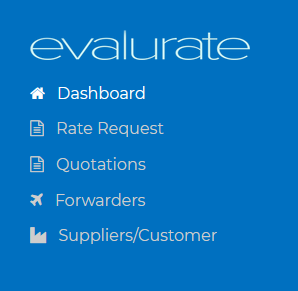
To add vendors navigate to the Vendor (Forwarders) page.

Click on the "Add new supplier or customer" button.
There is no need to add the details for shipments that originate or are destined for the CM’s own location. If you should have multiple own delivery locations, e.g. Factory 1, 2, 3 etc. at the same address, we suggest adding each address.
Next step: Add Vendors (Freight Forwarders) (https://freight.evalurate.net/hdkb/article/5-Client-Manager-CM-adding-Vendors-Forwarders-step-5)