Client Manager (CM) viewing quotations (step 2)
Posted on 08 January 2022 06:07 pm
Once the vendor has responded to the Rate Request an email will be sent to the client (CM).
A vendor is able to either decline to quote or send a quotation.
The status field will indicate the status of the vendors response:
- Open - Vendor has not responded
- Ready for activation - Vendor has quoted
- Declined - Vendor has declined to quote
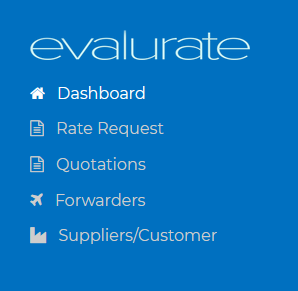
To easily view the status of the vendors response navigate to "Rate Request" and search for the request number or search for your reference number.