Vendor User Administrator (VUA) adding a Vendor Manager (VM) (step 2)
Posted on 08 January 2022 06:48 pm
After maintaining company details the Vendor User Administrator needs to add users. The first user is the Vendor Manager (VM).
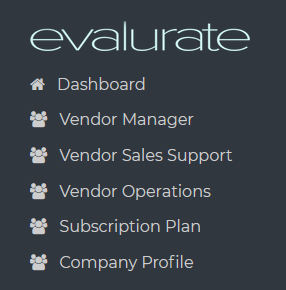
To add a Vendor Manager navigate to the Vendor Manager page.
Click on the "Add vendor manager" button.
Once the request is submitted an email will be sent informing the Vendor Manager that an account has been created.
Next step: Add Vendor Sales Support (VS)