Client Manager (CM) adding Vendors (Forwarders) (step 5)
Posted on 05 October 2021 08:16 am
Prior to creating your rate request the Client Manager (CM) will need to link to their existing Vendors (Forwarders). A client is not able to search for new vendors using this system.
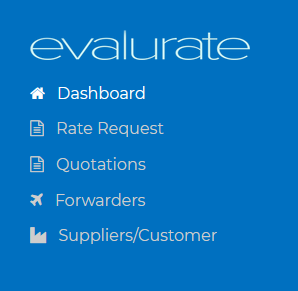
To add vendors navigate to the Vendor (Forwarders) page.

Click on the "Add new vendor" button.
If the Vendor is registered in the system then the Client Manager will immediately be able to add the Vendor. Otherwise a notification will be sent to the Vendor requesting them to register.
Once the Vendor has registered the Client Manager can send the Rate Request.
Next step: Create Rate Requests (https://freight.evalurate.net/hdkb/article/14-Client-Manager-CM-creating-Rate-Requests-step-1)