Client Manager (CM) creating Rate Requests (step 1)
Posted on 08 January 2022 05:51 pm
Once the CM has added suppliers, customers and vendors it's time to create the Rate Request.
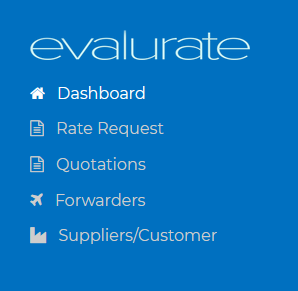
To create a rate request navigate to the Rate Request page.
Click on the "New request" button.
Fill in all the fields shown. The more accurate the details the better the vendor is able to quote.
After all the fields have been filled click in "Submit" to send the rate request to the vendors or "Save" to return to the Rate Request at a later time for editing and submission.