Vendor User Administrator (VUA) maintaining company details (Step 1)
Posted on 16 October 2021 03:19 pm
Once the Vendor User Administrator (VUA) has successfully registered they need to setup and maintain information related to the company.
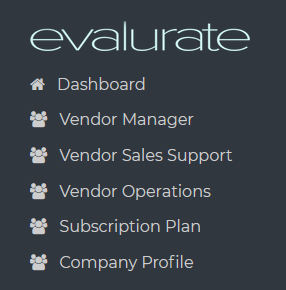
To maintain company details navigate to the Company Profile page.
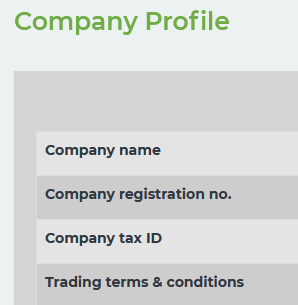
The information entered here will appear in the details of other users of the same entity and clients linked to the entity by the VM.
Next step: Add a Vendor Manager (https://freight.evalurate.net/hdkb/article/16-Vendor-User-Administrator-VUA-adding-a-Vendor-Manager-VM-step-2)